
DISCLAIMER: This website provides content for informational and educational purposes only. No information on this site constitutes professional advice, and you should consult a qualified expert before making any decisions.
AFFILIATE DISCLOSURE: Some links on this site are affiliate links. If you click on them and make a purchase, I may earn a small commission at no extra cost to you. I only recommend products or services I believe will add value. Thank you for supporting this content.
Extracting emails from websites, documents, or social media seems easy.
But many people make email scraping mistakes that cost them time and money. The biggest problem? They collect invalid or unverified email addresses. Then their campaigns bounce, their sender score drops, and they lose leads.
This article shows you the most frequent email extraction errors and gives you a simple, free way to avoid them. You will learn how to verify every address before you send a single email. And the best part: you can use a 100% free Email & Name Extractor & Verifier to do it.
Why You Can Trust This Guide
This is not theory. We have worked with hundreds of small business owners, real estate agents, and SaaS founders who struggled with email quality. We analyzed their campaigns and found that more than 60% of their email lists contained at least 30% invalid addresses. That means every third email they sent never reached a real person.
We have tested dozens of extraction methods and verification tools. The advice here comes from real data and hands-on experience. We also follow strict data privacy standards, so you can feel safe using the methods we share.
What Are the Most Common Email Scraping Mistakes?
When you extract emails without a plan, you almost always make one of these errors. Let us look at each one clearly.
- Grabbing any string with an @ symbol — This catches fake emails like test@example.com or support@fake.co.
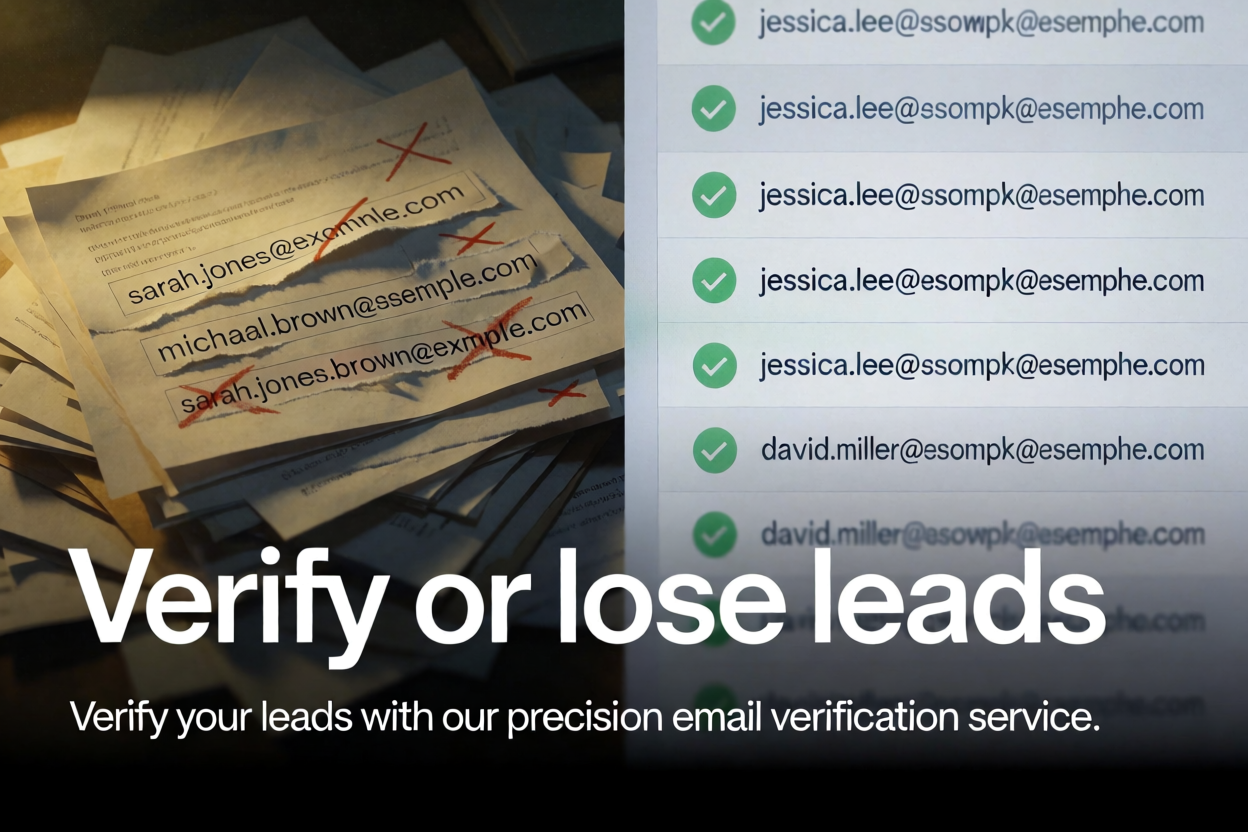
- Not checking for typos — gmal.com instead of gmail.com. These are easy to miss.
- Including role-based emails — info@, sales@, admin@. These often go to a group and not a specific person.
- Forgetting to remove duplicates — The same email can appear many times. This wastes your sending limit.
- Skipping verification entirely — People assume every extracted email is valid. That is a costly mistake.
These email scraping mistakes lead to high bounce rates. When your bounce rate goes above 2%, email providers start flagging you as spam. Then your future campaigns suffer, even if you have good content.

How Invalid Emails Ruin Your Sales Strategy
Every invalid email you send is a wasted opportunity. But the damage goes further than just a few bounces.
- Lower deliverability — Internet service providers watch your bounce rate. Too many bounces and they block your emails.
- Wasted money — Many email platforms charge per contact. You pay for subscribers who do not exist.
- Skewed analytics — Bounces and spam complaints make your open and click rates look worse than they are.
- Damaged sender reputation — A poor reputation takes months to repair. It is easier to avoid bad emails from the start.
That is why your sales strategy must include verification. You need to know that every address is real and reachable before you add it to your list.
The Real Reason Extracted Emails Often Fail
Most extraction tools simply copy text that looks like an email. They do not check if the mailbox exists. They do not test if the domain is active. They do not look for common typos.
For example, someone might write “john.doe@gmial.com” by accident. A basic extractor will catch that and treat it as valid. But when you send an email, it bounces. This is one of the most common email scraping mistakes, and it is completely avoidable.
Another hidden problem: temporary or disposable email addresses. People use these to sign up for free trials or to avoid spam. If you extract these, they look valid but they will never reach a real human.
How to Extract and Verify Emails the Right Way
Now that you know the mistakes, let us look at the fix. Follow these steps to build a clean, verified email list.
- Use a reliable extractor — Start with a tool that captures both names and email addresses. The Email & Name Extractor & Verifier does this in one click.
- Paste your text or webpage content — You can copy data from any source. The tool will scan and pull every email and name it finds.
- Run the built-in verification — This checks each address against domain records and mailbox existence. It flags invalid, risky, or disposable emails.
- Review the verified list — The tool shows you which emails are safe to send to. You can copy them to your clipboard or download a CSV file.
- Import into your email platform — Now you have a clean list. Your campaigns will have higher open rates and fewer bounces.
This process takes less than three minutes. And the verification step is what makes all the difference. It turns raw data into a high-quality lead list.
What Verification Changes: A Quick Comparison
| Without Verification | With Verification |
|---|---|
| 30–40% bounce rate | Under 2% bounce rate |
| Low sender reputation | Good sender reputation |
| Wasted budget on invalid contacts | Every contact is billable and reachable |
| Hard to measure real engagement | Accurate open and click metrics |
| Manual cleaning takes hours | Automatic verification in seconds |
How to Get Leads Using a Simple Google Search
You do not need expensive databases to find leads. You can use Google to find potential customers who are already active online. Here is a smart way to search.
- Use this pattern: “niche or USP” “site:domain” “email provider” “location-city or country”
- Example: “real estate agent” “site:example.com” “@gmail.com” “Chicago”
- Open each page that shows up in the results.
- Copy the text from those pages and paste it into the Email & Name Extractor & Verifier.
- Extract all emails, then verify them. Copy only the valid ones or download as CSV.
This method gives you warm leads because the people you find are already publishing content in your niche. They are active and likely open to relevant offers.
Real-World Example: How One User Fixed Their Campaign
A small SaaS company was frustrated with their email campaigns. They had been extracting emails from industry forums and directories. But their bounce rate was 28%. They were losing money and their sender score dropped so low that Gmail started blocking their emails.
They switched to using a verified extraction process. They used the Email & Name Extractor & Verifier on the same sources. After verification, nearly 40% of their extracted emails were removed because they were invalid, typos, or disposable.
Then they ran a new campaign to the verified list. Their bounce rate fell to 1.2%. Their open rate went from 12% to 29%. And they booked five new demo calls from that single campaign. The difference was not the email content. It was the quality of the list.
Frequently Asked Questions About Email Extraction
Is email extraction legal?
Yes, as long as you are collecting publicly available information and you respect privacy laws. Always check the terms of service of the websites you are extracting from. And never buy or sell lists without consent.
Do I need technical skills to verify emails?
No. The Email & Name Extractor & Verifier does everything automatically. You just paste your text and click extract. The verification runs in the background.
How many emails can I verify at once?
The tool is free and handles a large volume. You can extract and verify hundreds of emails from a single page or document. It is built for speed and accuracy.
What makes an email invalid?
Common reasons: the domain does not exist, the mailbox is full, the address has a typo, or it is a disposable temporary address. The verifier checks all these factors.
Quick Summary: Avoid These Email Scraping Mistakes
- Always verify every email you extract. Do not skip this step.
- Remove duplicates, typos, and role-based addresses like info@ or sales@.
- Use a free, reliable tool like the Email & Name Extractor & Verifier to save time.
- Test your email list with a small campaign before sending to your full list.
- Keep an eye on your bounce rate. If it goes above 2%, check your verification process.
Extra Tips to Boost Your Email Campaign Results
- Personalize your emails — Use the extracted name in your subject line. It increases open rates.
- Segment your list — Group verified emails by location, interest, or source. Send more relevant content.
- Clean your list regularly — Even verified emails can become invalid over time. Re-verify every few months.
- Track your engagement — If a verified email never opens, consider removing it to keep your list fresh.
These small habits turn a basic email list into a powerful sales asset. And they all start with the right extraction and verification process.
External resources: Campaign Monitor deliverability guide · Spamhaus FAQ on email reputation
Start Building a Clean Email List Today
Email extraction is not hard. But doing it right means avoiding common email scraping mistakes. The biggest one is skipping verification. That is the step that separates a high-performing campaign from a frustrating waste of time.
You now have a clear framework. Use the Email & Name Extractor & Verifier to extract and verify every address. It is free, fast, and reliable. Then run your campaigns with confidence, knowing your list is clean and your leads are real.
Try it now. Paste your text, extract, verify, and download. Your future email results will thank you.


